
If you run into this error message, it is just a permission issue.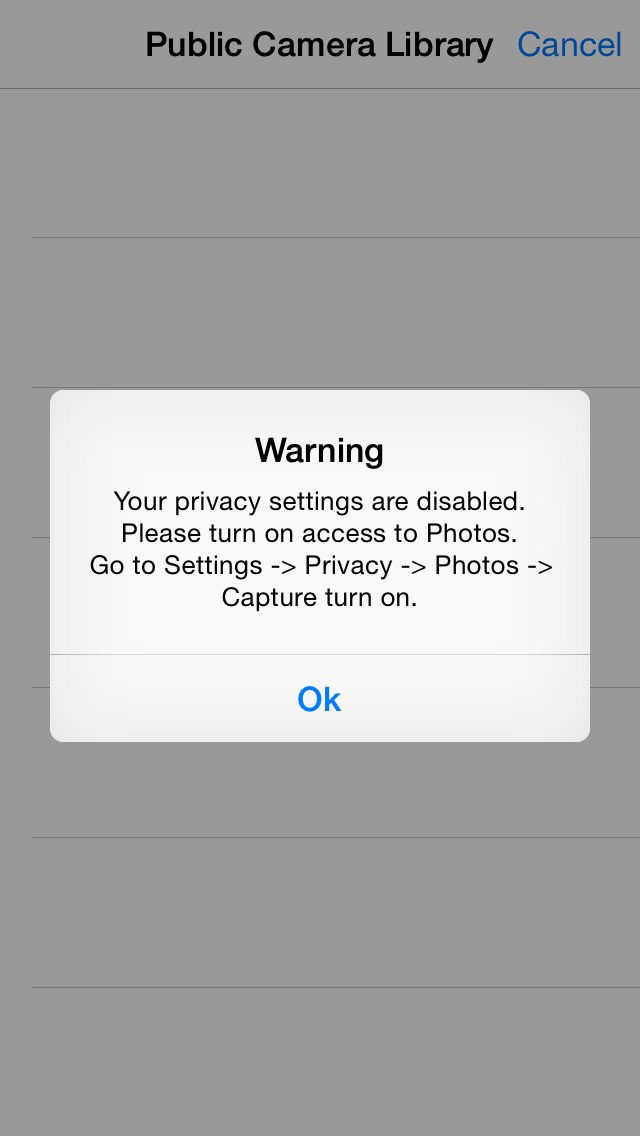
To fix this, please follow the steps below:
- Go to your Settings app.
- Scroll through the menu and tap Behavior Capture.
- The first section is listed as Allow Capture to Access.
- Make sure all permissions are on, especially photos.
- If not, tap on them until all of the buttons turn GREEN.
Return to the Behavior Capture app and you will now be able to access your personal photos via the app.